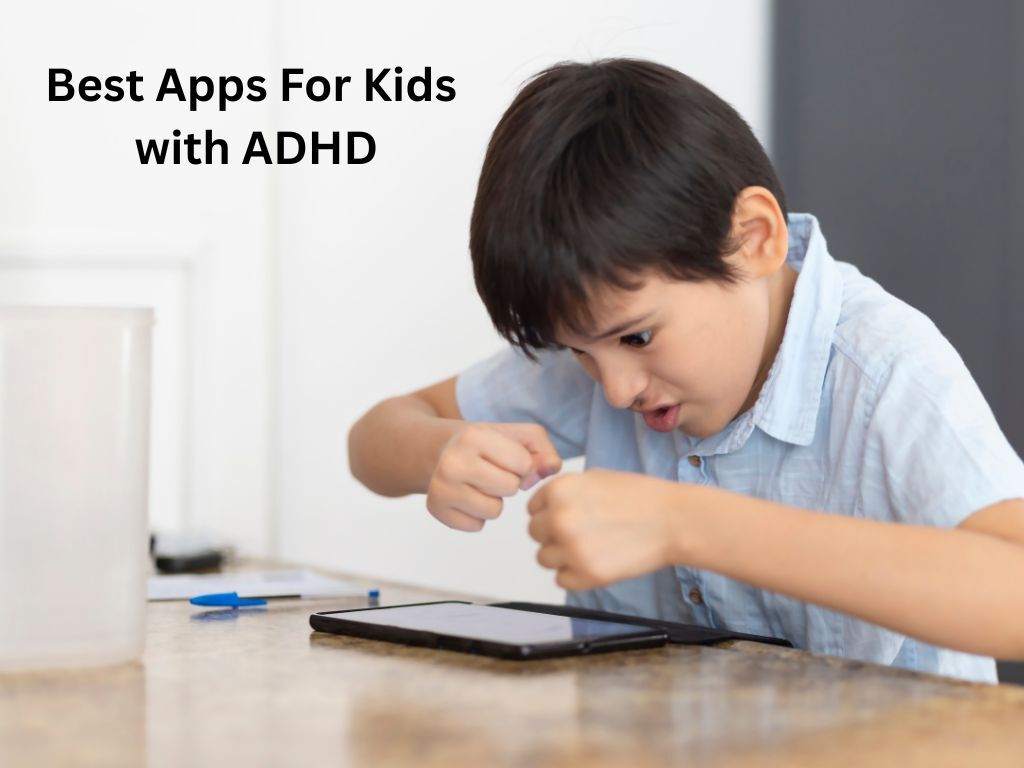
Children with ADHD do not lack intelligence or motivation — they have neurologically different brains that require different structures to thrive. The right tools can reduce the friction between intention and action, making it easier for children with ADHD to start tasks, stay on track, manage time, and feel proud of what they accomplish. These five apps have been selected specifically for features that align with how ADHD brains work: external structure, visual time perception, immediate feedback, and flexible pacing. Always discuss any digital tool with your child’s paediatrician or educational psychologist as part of a broader support plan.
What Features Make an App ADHD-Friendly?
Research-backed ADHD support apps share several characteristics: they externalise time (making it visible and concrete rather than abstract), they break tasks into small, achievable steps, they provide immediate positive feedback for completed actions, they minimise visual clutter and decision-making within the interface, and they allow for customisation to match individual children’s specific challenges. An app that is well-designed for neurotypical children may be overwhelming or ineffective for a child with ADHD — the apps on this list have been selected with these specific criteria in mind.
The 5 Best Apps for Children with ADHD in 2026
1. Focusmate — Body Doubling for Homework and Task Completion
Website: https://www.focusmate.com
Body doubling — working in the presence of another person — is one of the most reliably effective strategies for ADHD-related task initiation and persistence. Focusmate provides a digital version: users book 50-minute video co-working sessions with a matched partner, declare their goal at the start, and check in at the end. For older children aged 12 and up who struggle with homework procrastination, Focusmate creates the social accountability that ADHD brains respond to better than solitary effort. The free tier allows three sessions per week; premium plans offer unlimited sessions from around £5/month.
2. Time Timer — Making Time Visible for ADHD Brains
App Store: App Store
Children with ADHD notoriously struggle with time blindness — they cannot feel the passage of time the way neurotypical children can. Time Timer solves this with a visual countdown where a red disc shrinks as time passes, making the abstract concept of ’20 minutes left’ into something concrete and perceivable. The app is a direct digital replica of the widely used Time Timer physical clock, recommended by ADHD specialists and occupational therapists worldwide. It is particularly effective for managing homework sessions, chore time, and transition warnings (‘you have 5 minutes until we leave’). The app costs around £2.99.
3. Khan Academy Kids — Self-Paced Learning Without Pressure
Website: https://www.khanacademy.org/kids
Google Play: Play Store
App Store: App Store
Khan Academy Kids works well for children with ADHD because of its structure, pacing control, and absence of competitive elements. Children move through activities at their own pace, with no time limits, no leaderboards, and no pressure to perform. The micro-activity format (activities are typically 2–5 minutes) aligns with the shorter focus windows many children with ADHD experience, allowing for genuine accomplishment within realistic attention spans. The app is completely free and covers literacy, maths, and social-emotional skills for children aged 2–8.
4. Choiceworks — Visual Schedules for Daily Routine Management
Choiceworks is a visual scheduling app specifically designed for children with special needs, including ADHD, autism, and anxiety. Parents create visual schedules showing the steps of daily routines (morning routine, homework time, bedtime) using pictures and customisable icons. Children can follow the schedule independently, checking off each step as they complete it and seeing exactly what comes next. The predictability reduces transition anxiety and the visual format bypasses the executive function demands of remembering multi-step instructions. Particularly valuable for ages 4–10.
5. ClassDojo — Positive Behaviour Tracking with School-Home Connection
Website: https://www.classdojo.com
Google Play: Play Store
App Store: App Store
ClassDojo is primarily a school communication tool, but its behaviour tracking and positive feedback features make it unusually useful for parents of children with ADHD. Teachers award points for positive behaviours — focus, participation, helping others — and children can see their points grow in real time. Parents receive a portfolio of their child’s school day, including points earned and any notes from the teacher. For children with ADHD who respond powerfully to immediate positive feedback, ClassDojo creates a structured reinforcement system that bridges school and home in a way that most parental control apps cannot.
Working With Your Child, Not Against Their ADHD
No app replaces the combination of professional support, parental patience, and a school environment that understands ADHD. These tools work best when introduced gradually, with the child involved in choosing which to try and how to use them. Children with ADHD are often creative, energetic, and highly capable — the goal of any support tool is to remove the friction that prevents those qualities from showing up consistently.