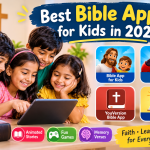
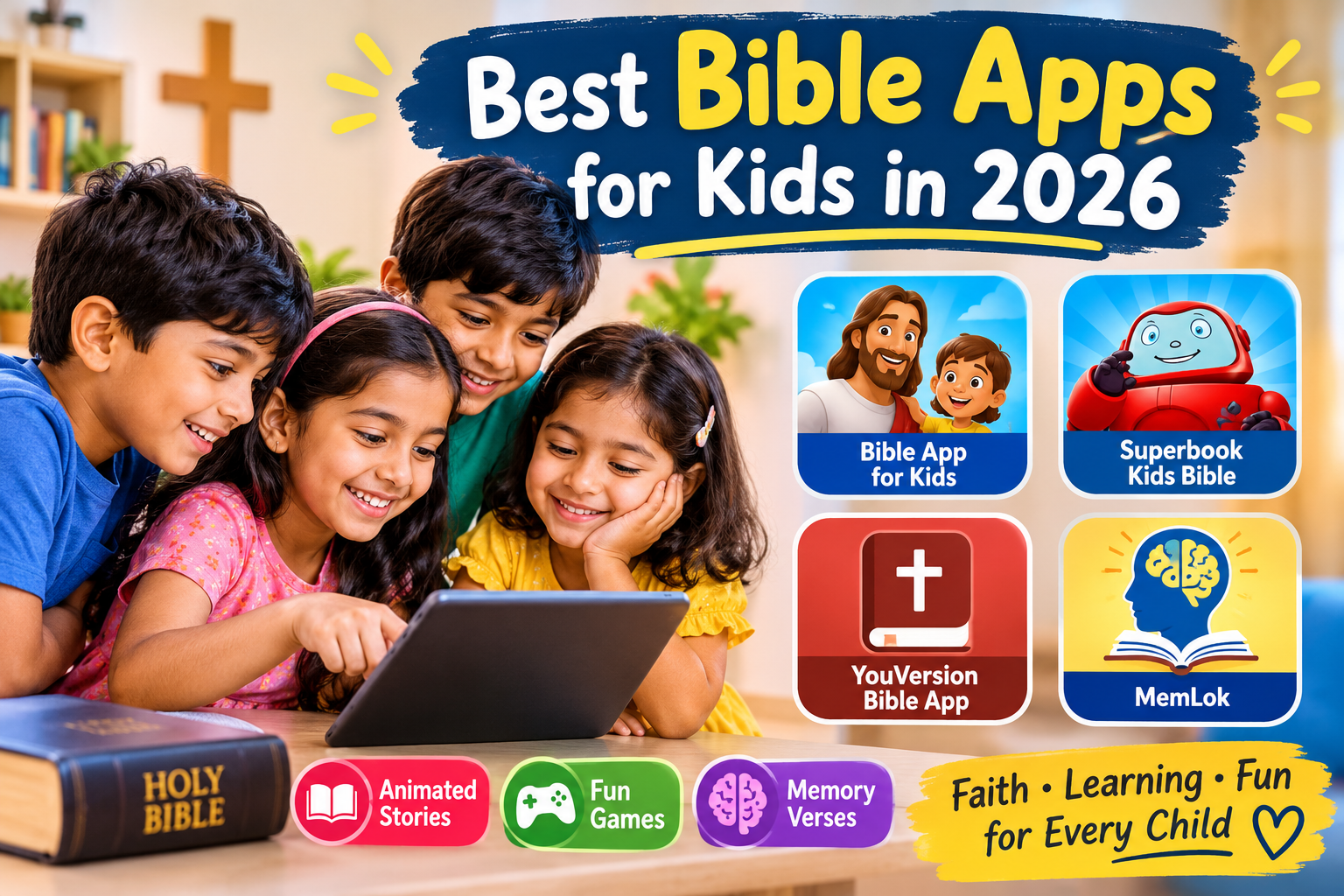
For many families, Bible stories are part of growing up, and a few well-made apps can support what parents and Sunday school teachers are already doing. The best of them present stories in a way young children can follow, without ads or surprise purchases, and give older children tools to read and remember Scripture. Families differ in tradition, translation, and teaching emphasis, so parents may want to preview any app before handing it to a child and talk about what their child sees. Some of the strongest apps are free and carry no advertising, because they are funded by ministries rather than by in-app purchases. Language support matters in India: the leading apps offer content in many languages, including Tamil and Telugu, which can help children connect with Scripture in their home language. Here are four apps worth considering.
Bible App for Kids
Bible App for Kids, from YouVersion’s parent Life.Church in partnership with OneHope, is widely named the best starting point for young children. It presents Bible stories as animated, narrated adventures with large buttons and little text, so pre-readers can use it independently. Children tap parts of the screen to trigger animations and then play short quizzes and games to review what they heard. It is free, with no advertising and no in-app purchases according to its listings, and it is available in dozens of languages, including Tamil and Telugu. It covers a set of the best-known stories rather than the whole Bible. For ages roughly four to eight, it is the default recommendation.
View on Play Store | View on App Store
Superbook Kids Bible
Superbook Kids Bible comes from the Christian Broadcasting Network and is built around its animated series, with dozens of full-length episodes offered free, along with Bible games, a children’s Bible text, and daily verses. It suits somewhat older children, around five to nine and beyond, who enjoy longer stories and adventure. It is a free download and free to use, though it also offers optional purchases and a membership, so parents should review the settings if children use the device alone. Its content comes from a particular ministry’s perspective, which parents should preview. For children who love cartoons and want Bible stories in that style, it is a strong option.
View on Play Store | View on App Store
YouVersion Bible App
The YouVersion Bible App is the adult app from the same organization, offering hundreds of translations, audio Bibles, reading plans, and verse images, and it is free. It is a good fit for older children and teens who are ready to read the Bible itself rather than storybook versions. Parents can pick a reading plan designed for a particular age and a translation suited to their child’s reading level, and audio versions help children who are not yet fluent readers. It has social features that families may want to turn off or supervise. For graduating from story apps to reading Scripture, it is a natural next step.
MemLok
MemLok helps children and adults memorize Bible verses using image-based mnemonic flashcards, a technique that links each phrase to a picture. It offers several translations, including KJV, NIV, ESV, and NLT, lets users make their own pictures, and is advertised as ad-free. Parents can track which verses children are learning and review older ones. It suits school-age children who enjoy a structured memory challenge. It requires some parental involvement to get the most out of it, and its interface is functional rather than playful. For families that practice memory verses together, it is a useful tool.
Choosing among the four depends on age. Preschoolers do best with Bible App for Kids, children who love animation will enjoy Superbook, older children and teens can move to the YouVersion Bible App, and MemLok supports memory verses. Print resources, such as storybook Bibles, are a good complement to any app, and reading together matters more than any screen. Whatever you choose, preview content for alignment with your own tradition, set time limits, keep devices in shared spaces, and use the apps as conversation starters rather than as substitutes for time with family and community. Check privacy settings and turn off any social or sharing features that you do not want children to use.
Conclusion
A good Bible app can make stories memorable and Scripture familiar, but it works best alongside family conversation, prayer, and community. Pick an age-appropriate app, preview it first, keep screen time balanced, and let the stories lead to talking together.