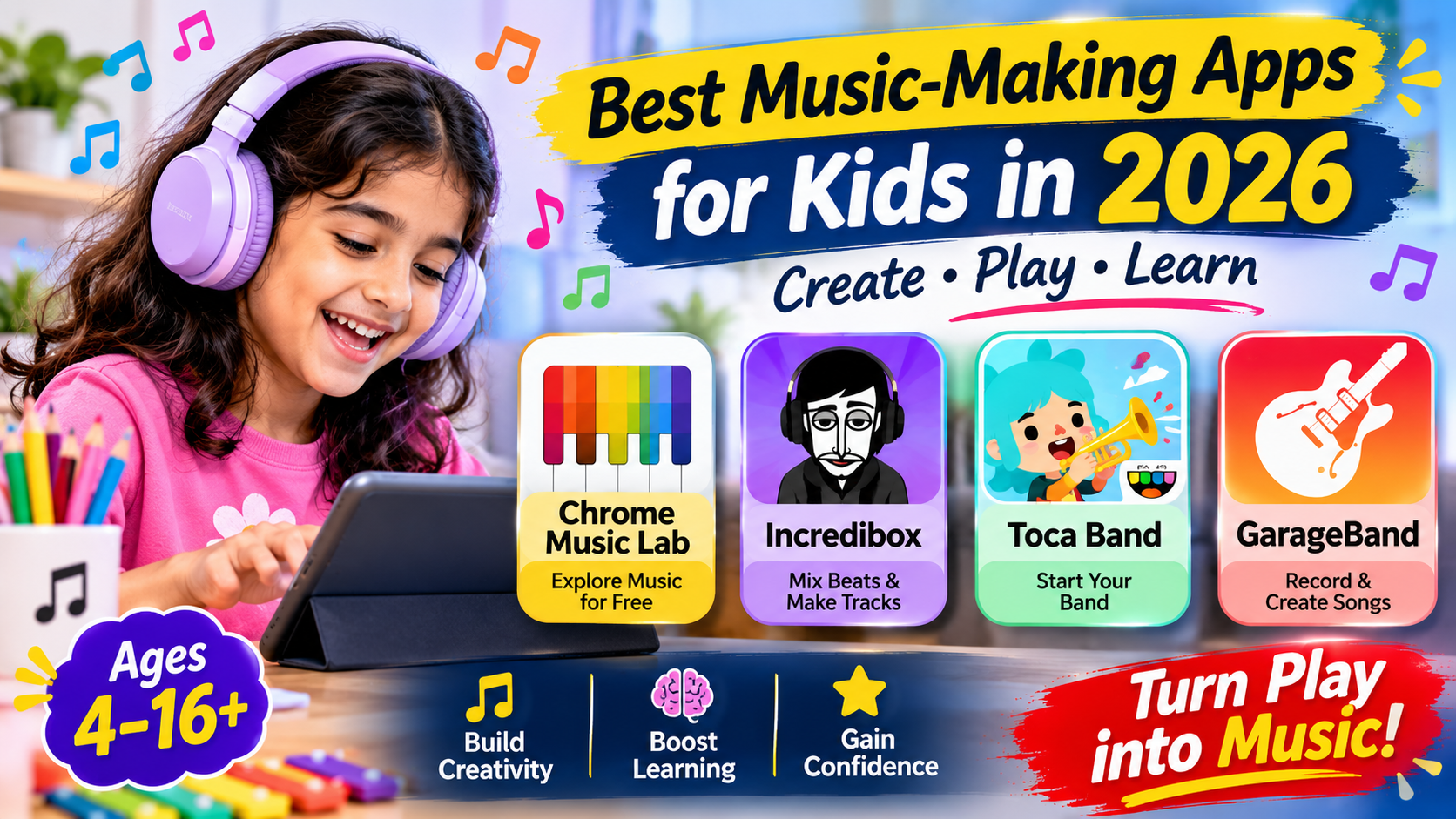
Children who love banging on pots and singing in the bath are often ready for something more structured, and music-making apps let them experiment with rhythm, melody, and sound without any lessons or instruments. They split into three groups. Playful exploration tools suit the youngest children, loop and beat makers give older children instant, impressive results, and full production apps such as GarageBand let teens build real songs. Choosing by age and device matters, because some excellent apps run only on Apple devices. Many ranking pages are published by app makers or affiliate sites, so check prices in the store. Apps work best alongside real instruments and singing, and sharing features should be switched off or supervised for children. Here are four apps worth trying.
Chrome Music Lab
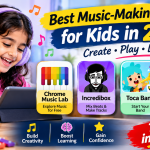
Chrome Music Lab is a free collection of browser-based music experiments from Google, with colorful tools that let children draw melodies, build rhythms, and see sound waves, aimed at about ages four and up. It needs no download or account and works on any computer or tablet browser, which makes it ideal for classrooms and families. It is an exploration toy rather than a studio, with short outputs and limited export. It teaches ideas such as rhythm, harmony, and spectrograms through play. For young beginners and teachers introducing music concepts, it is the best free starting point.
Incredibox
Incredibox lets children build songs by dragging sound icons onto animated beatboxing characters, layering beats, effects, melodies, and voices into a polished loop. It is reported at about 4.99 dollars as a one-time purchase on iOS, Android, and the web, and is suited to roughly ages six and up. It delivers satisfying results within minutes, which builds confidence. Its pre-made sounds limit original composition, so children who want to play their own melodies will need a more open tool. For quick, impressive beat making, it is a favorite.

Toca Band
Toca Band, from Toca Boca, is made for younger children, who place quirky animated characters on a stage, each of which plays a sound, to assemble their own band and arrangement. It requires no reading and has no wrong answers, which suits toddlers and preschoolers, and it is available on iOS and Android as a paid app. It teaches layering and rhythm in a playful way, although it is more of a toy than a tool for serious composition. For very young children exploring sound for the first time, it is a delight.
GarageBand
GarageBand is Apple’s free music studio, available on iPhone, iPad, and Mac, with virtual instruments, loops, a recording studio, and multi-track editing that scale from a first beat to a full song. It suits children around eight and up who want to compose and record, and it is described as the most powerful free music creation tool for beginners. It runs only on Apple devices, so Android households need alternatives such as BandLab. Its depth means younger children may need guidance. For aspiring young producers on Apple devices, it is outstanding.
BandLab is a free cross-platform studio for teens, Loopimal teaches loops through animated animals, Mussila teaches music theory to young children, and Simply Piano teaches piano with a subscription that can be costly. Choosing among the four depends on age and device. Ages four to six can start with Chrome Music Lab or Toca Band, ages six to ten will enjoy Incredibox, and older children on Apple devices can move to GarageBand. Pair apps with real music: sing together, tap rhythms on the table, and try a keyboard or ukulele. Use headphones to protect hearing, keep volume low, supervise any online sharing, and check subscription terms before downloading paid options.
Conclusion
A music app can be a child’s first step into making sound on purpose. Match the app to age and device, keep the play open-ended, and celebrate every composition, because the goal is not a perfect song but a lasting love of music.