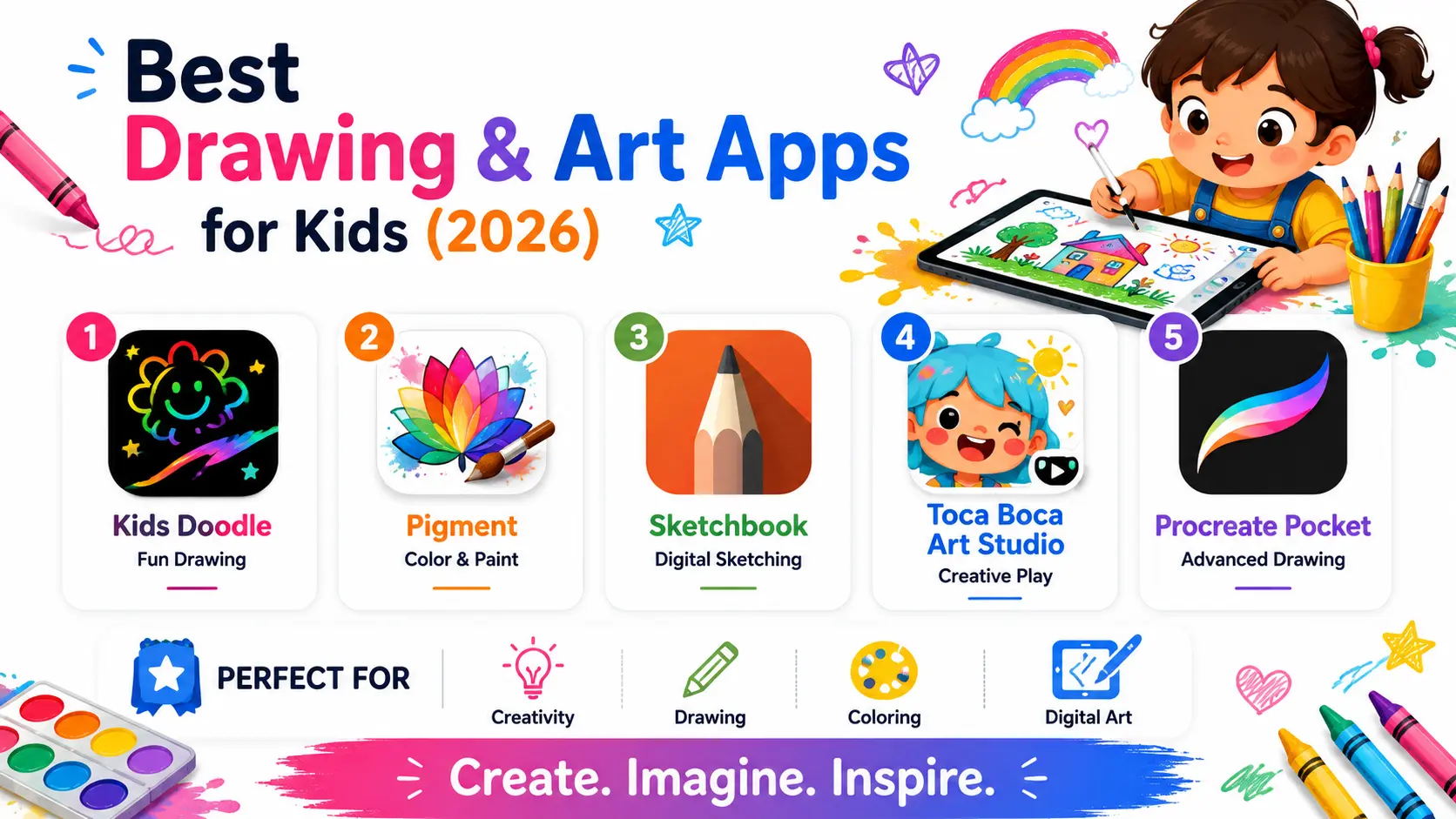
Physical art supplies genuinely matter for developing fine motor skills, but they also come with real friction, markers that dry out, paint that ends up on the wall, and the general mess that makes some parents hesitant to encourage open-ended creative play as often as they’d like. Drawing and art apps remove that specific friction, letting kids experiment freely with color, texture, and technique without any cleanup at all, while often including genuinely clever features like undo buttons and layer systems that let a child fearlessly try something and simply undo it if it doesn’t work out, encouraging more experimentation than physical media often allows. Here are five drawing and art apps worth introducing to a creative kid this year. Most also let a finished piece be exported or printed easily, keeping a favorite digital creation from disappearing the moment the app gets closed.
Kids Doodle
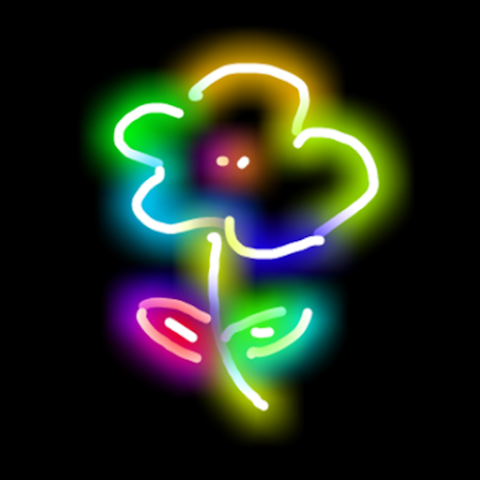
Kids Doodle offers a genuinely simple, colorful finger-painting interface with glowing brush effects that make even a toddler’s random scribbles look visually satisfying, building early confidence before more structured drawing skills develop.
Pigment

Pigment brings a genuinely extensive digital coloring book experience with realistic paint and pencil tools, appealing to kids who enjoy the structure of coloring within existing designs while still offering real creative color choices.
Sketchbook

Sketchbook offers genuinely professional-grade drawing tools in an interface simple enough for older kids to grow into over years, making it a strong choice for a child showing serious early interest in digital art rather than casual doodling.
🔗 Download on Play Store | sketchbook.com
Toca Boca Art Studio

Toca Boca Art Studio combines drawing with playful, open-ended creative prompts and animation features, aimed at younger kids who enjoy Toca Boca’s broader imaginative play style alongside pure drawing.
🔗 Download on Play Store | tocaboca.com
Procreate Pocket
Procreate Pocket brings a simplified version of the genuinely powerful professional Procreate app to phones, suiting older kids or teens ready for real digital illustration tools beyond what more basic kids’ drawing apps offer.
Matching the app to a child’s age and current interest level matters more than picking based on features alone, since a toddler benefits more from Kids Doodle’s simple, immediately satisfying finger-painting than from Sketchbook’s more complex professional toolset, which would likely overwhelm a very young child. Pigment suits kids who enjoy the guided structure of coloring existing designs, while Toca Boca Art Studio suits younger kids who prefer imaginative, playful creative prompts over blank-canvas free drawing. Sketchbook and Procreate Pocket are worth introducing specifically once a child shows serious sustained interest in drawing, since both offer genuine room to grow into more advanced techniques over years rather than being outgrown within weeks. Sitting alongside a child during their first few sessions, rather than simply handing over the device, tends to build more confidence than being left to figure out the tools entirely alone. Displaying or sharing a child’s digital creations, printing a favorite piece or setting it as a home screen background, tends to reinforce pride in the work similarly to how a physical drawing gets proudly stuck on the fridge.
Digital drawing apps remove the real friction of physical art supplies while preserving the genuine creative exploration that matters most for a developing child. Start with whichever app matches your child’s age and current interest, and let the undo button and endless color options encourage the kind of fearless experimentation that builds real creative confidence over time. A digital sketch that didn’t work out costs nothing to erase, which itself teaches a genuinely useful lesson about creative risk-taking.