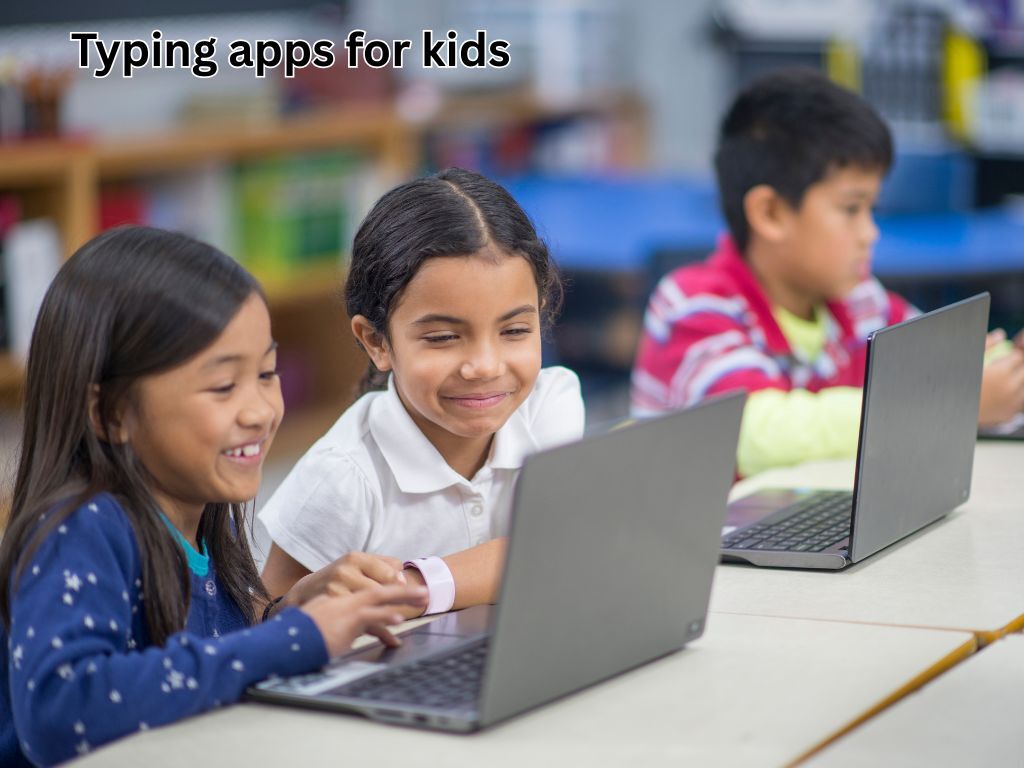
Typing is the writing skill of the 21st century. Children who can touch-type fluently have a measurable academic advantage: they can get their ideas onto a page faster, produce longer and more complete written work, and navigate digital learning environments with confidence. Most children who grow up pecking at keyboards with two fingers never fully close the gap with fluent typists. The best time to build proper touch-typing skills is between ages 6 and 12 — when muscle memory forms quickly and keyboarding habits have not yet calcified. Here are the five best typing apps for children in 2026.
At What Age Should Children Start Learning to Type?
Most occupational therapists recommend introducing basic typing around age 6–7, when fine motor control is developed enough for reliable key pressing. However, formal touch-typing practice with home-row finger positioning is most effective from age 8 onwards, when children have sufficient hand span, focus, and the motivation to persevere through initial frustration. Younger children can benefit from exploratory typing games that build keyboard familiarity without demanding formal technique.
The 5 Best Typing Apps for Children in 2026
1. Typing.com — The Most Comprehensive Free Typing Curriculum
Website: https://www.typing.com
Typing.com is a browser-based typing education platform used by millions of students globally and free for individual users. The curriculum progresses from home-row finger placement through the full keyboard, using a combination of drills, games, and timed tests. Children earn badges and track their words-per-minute and accuracy improvements over time. The progress dashboard gives parents and children clear visibility of improvement — seeing your WPM increase from 15 to 45 over a few weeks is powerfully motivating. There is no download required, and the platform works on any device with a keyboard.
2. BBC Dance Mat Typing — Playful, Free, and Built for Children
Website: https://www.bbc.co.uk/bitesize/topics/zf2f9j6/articles/z3c6tfr
BBC’s Dance Mat Typing is a beloved free resource that has introduced thousands of UK children to touch-typing through a cheerful animated programme with four levels, each adding new keys to the child’s repertoire. The characters, music, and gentle encouragement make the learning feel distinctly unlike homework. While the design is now slightly dated, the pedagogy is sound: systematic, incremental, and encouraging. Dance Mat Typing works entirely in the browser and requires no download or account — making it the lowest-friction starting point for parents who want their child to try typing practice today.
3. Nitro Type — Racing Games That Make Typing Practice Addictive
🌐 Website: https://www.nitrotype.com
Nitro Type gamifies typing practice through multiplayer racing: the faster and more accurately you type, the faster your car goes. Children aged 8 and up who are competitive find Nitro Type irresistible — the social element of racing against real players worldwide creates genuine urgency to improve. The platform is free, browser-based, and tracks WPM and accuracy over time. Teachers regularly use Nitro Type as a classroom reward activity precisely because children voluntarily practice typing for hours without any external motivation required. A premium tier (around £8/month) adds customisation features, but the free version is complete.
4. TypingClub — The Teacher-Endorsed School Standard
🌐 Website: https://www.typingclub.com
TypingClub is one of the most widely used typing platforms in US and UK schools, covering the full curriculum from beginner to advanced with over 600 lessons. The platform uses a combination of structured lessons, star ratings, and animated feedback to keep children engaged. It tracks errors at the individual key level, identifying specific weaknesses and directing extra practice accordingly. For children who are already using TypingClub at school, continuing with it at home ensures consistent methodology and progress tracking. The student version is free; teacher accounts for curriculum management cost around £15/year per class.
5. KeyBR — Adaptive Typing Practice for Older Children
🌐 Website: https://www.keybr.com
KeyBR is the most data-driven typing practice tool on this list, designed for children aged 10 and up and adults who want to move from functional typing to genuine fluency. The platform analyses keystroke timing data in real time to identify which specific key pairs are slowing a user down, then generates customised practice text that targets those exact weaknesses. The result is measurably faster improvement compared to undifferentiated practice. KeyBR is free, browser-based, and requires no account to use — children can start immediately and return to the same device to continue without logging in.
Making Typing Practice a Daily Habit
Fifteen minutes of daily typing practice produces better results than an hour-long session twice per week. The most sustainable approach is to attach typing practice to an existing routine: immediately after school homework is complete, before any gaming or YouTube time, or as the first activity on a Saturday morning. Track WPM progress weekly and celebrate milestones visibly — children who can see measurable improvement stay motivated far longer than those who practice without feedback.