Building with blocks and construction toys develops genuine spatial reasoning, a skill research consistently links to later success in math, science, and engineering, and a strong lineup of companion apps has grown up specifically to extend that hands-on physical play into a genuinely educational digital experience. These apps typically fall into two distinct categories worth understanding: official companion apps tied to a specific physical building set, and standalone digital building tools that let kids design and construct entirely in a virtual space. Here’s a look at what’s worth using this year.
LEGO Builder
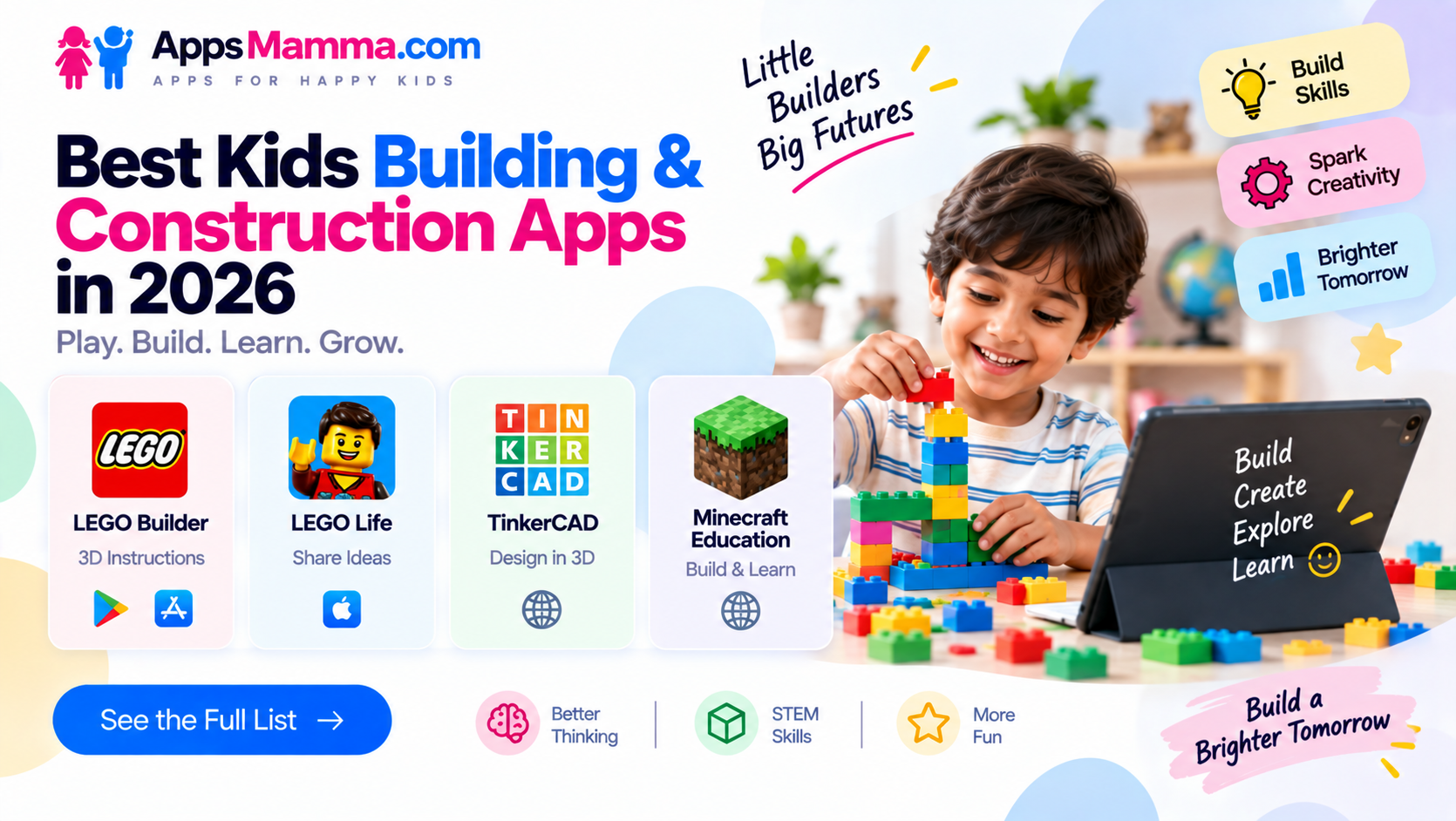
LEGO Builder replaces the traditional paper instruction booklet with an interactive, zoomable digital building guide, letting kids rotate a 3D model of each step to see exactly how pieces fit together from any angle rather than relying on a flat, two-dimensional printed diagram. Its progress tracking automatically saves a build in progress, letting a child step away mid-project and return exactly where they left off without losing their place. For families who’ve moved away from physical instruction booklets entirely, it remains the most direct and genuinely useful companion app tied to real, physical building sets.
LEGO Life
LEGO Life gives kids a safe, moderated social space specifically designed for sharing their own builds and getting inspiration from other young builders, without the broader safety concerns of an open, unmoderated social platform. Its content is entirely curated and monitored to keep interactions appropriate for a young audience, and its themed building challenges give kids fresh, structured project ideas beyond whatever set instructions they’ve already completed. For families who want to extend the LEGO experience into genuine creative community without exposing a child to a general-purpose social app, it fills a meaningful gap.
TinkerCAD
TinkerCAD, built by Autodesk, offers a genuinely powerful and surprisingly beginner-friendly 3D design tool that lets kids create digital models for 3D printing or virtual construction, using simple drag-and-drop shape manipulation rather than requiring complex professional CAD software knowledge. Its browser-based accessibility means no download or installation is required, and its active educational community provides countless tutorials specifically aimed at helping young designers get started. For families with access to a 3D printer or kids who want to design genuinely original structures rather than following pre-built instructions, it remains one of the strongest entry points into real digital engineering.
Minecraft Education
Minecraft Education adapts the beloved building and survival game specifically for structured learning, with dedicated lesson content covering everything from basic engineering principles to coding fundamentals, all built around the same open-ended block-construction mechanics that made the original game a phenomenon. Its educator tools let parents and teachers set up guided building challenges with specific learning objectives, giving unstructured creative play a genuine educational framework without stripping away the sandbox freedom that makes Minecraft appealing in the first place. For families who already have a Minecraft-loving kid at home, it offers a natural, low-friction path toward genuinely structured engineering and problem-solving practice.
Matching the app to what a family already owns and a child’s specific interests matters more than picking a single best option. Households with an existing LEGO collection should start with LEGO Builder for its genuinely useful digital instruction replacement, adding LEGO Life once a child wants to share builds and find inspiration in a safe, moderated space. Kids who want to design genuinely original structures rather than following set instructions, particularly if the family has access to a 3D printer, will get more out of TinkerCAD’s real design freedom, and families with a Minecraft enthusiast at home should look toward Minecraft Education for a structured, learning-objective-driven way to channel that existing interest.
Conclusion
Building and construction play remains one of the most naturally engaging ways to develop genuine spatial reasoning and early engineering thinking in kids, and 2026’s strongest companion apps extend that hands-on learning into a genuinely educational digital space rather than pure entertainment. Whichever of these four ends up fitting a family’s existing interests and equipment, the underlying payoff remains the same: turning enthusiastic block-stacking into real, transferable problem-solving skill.